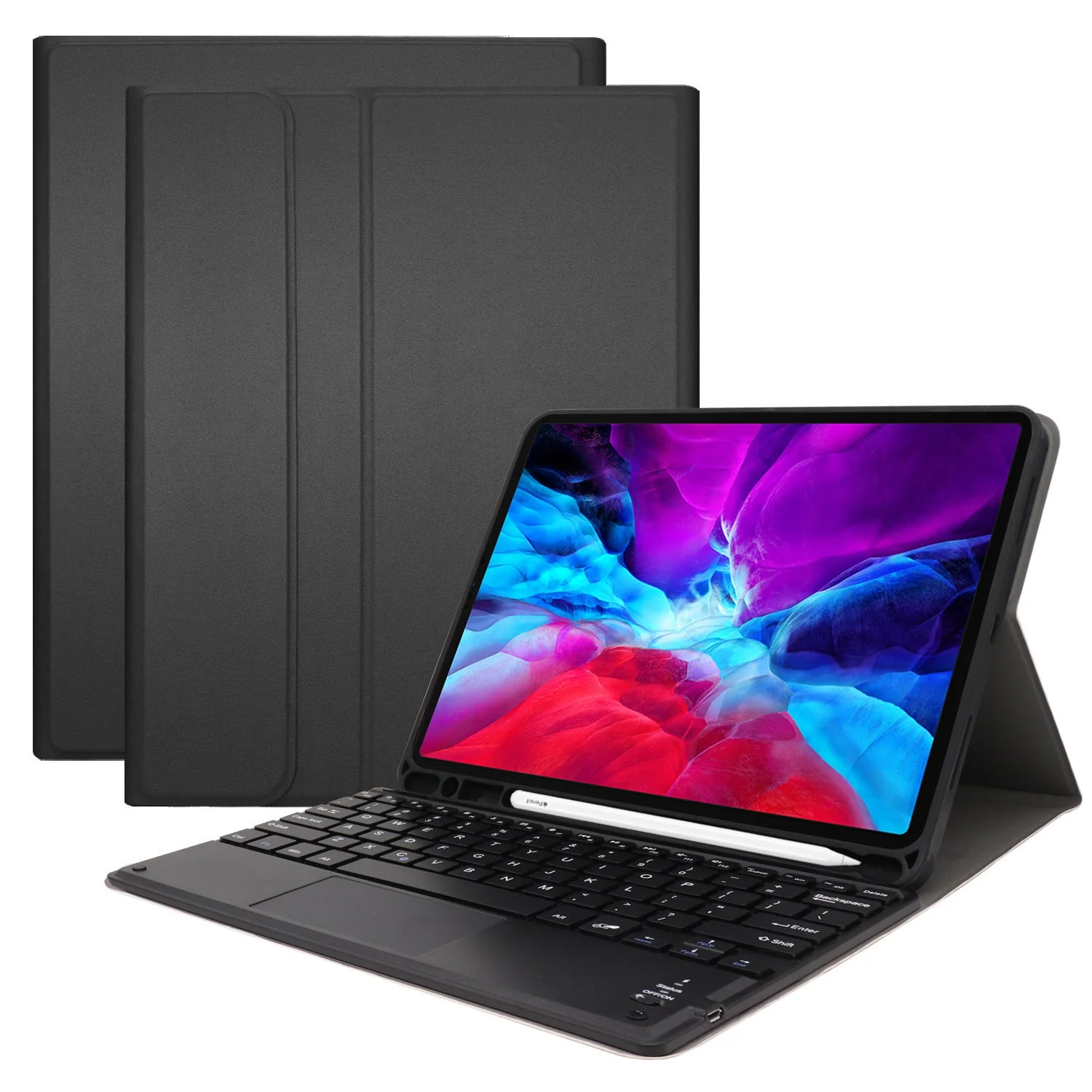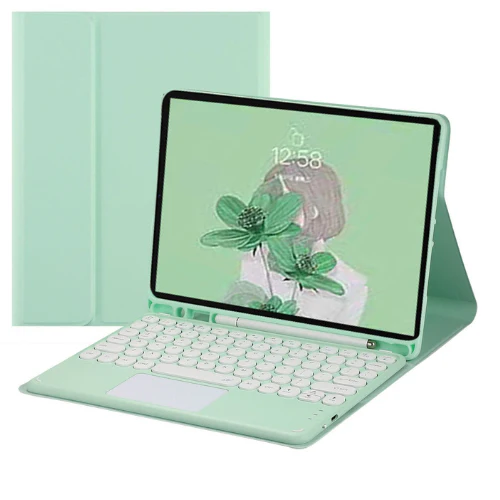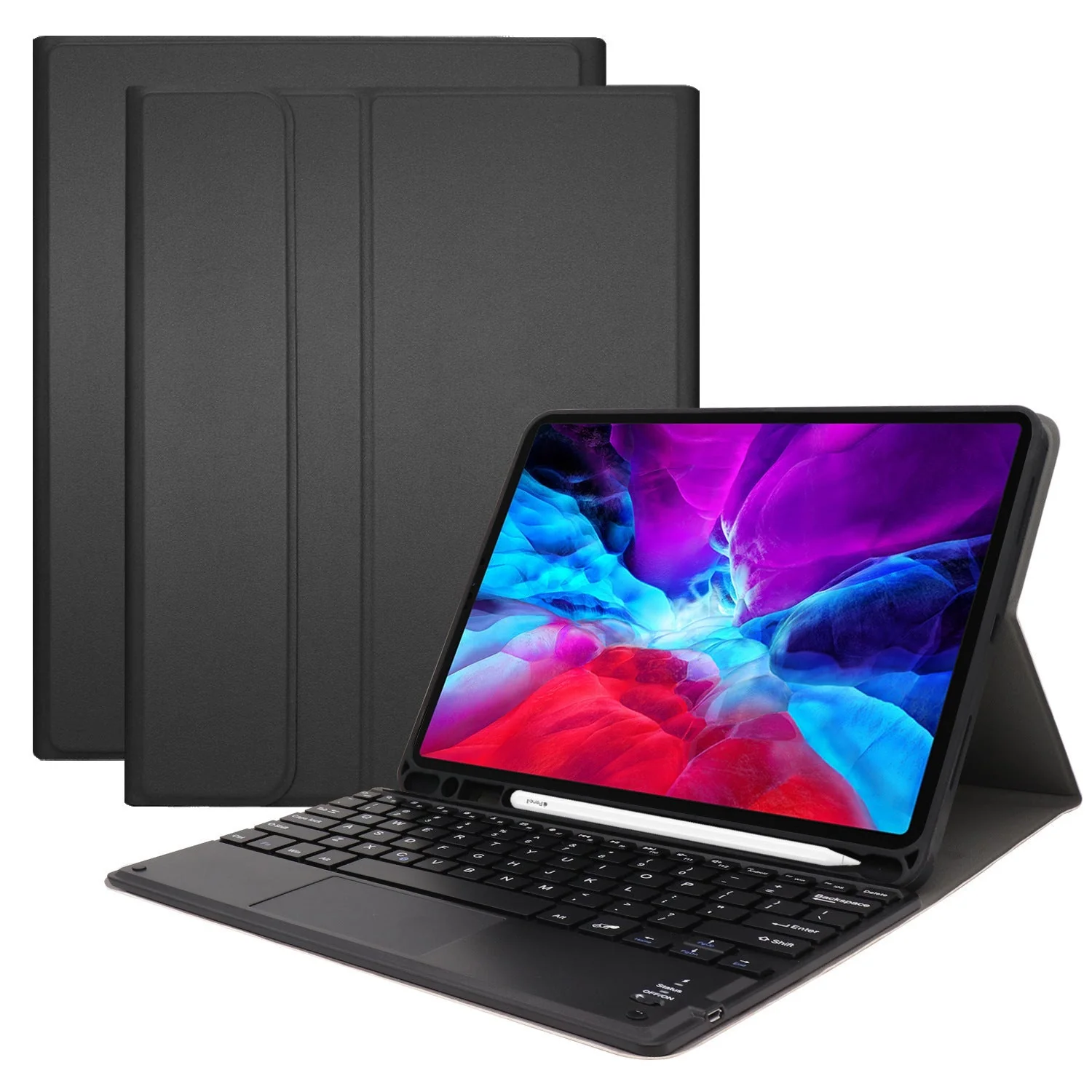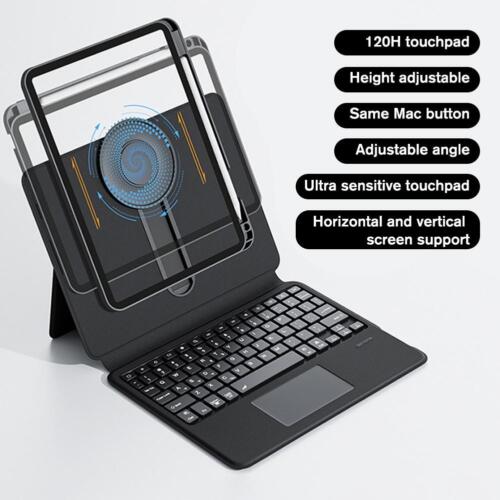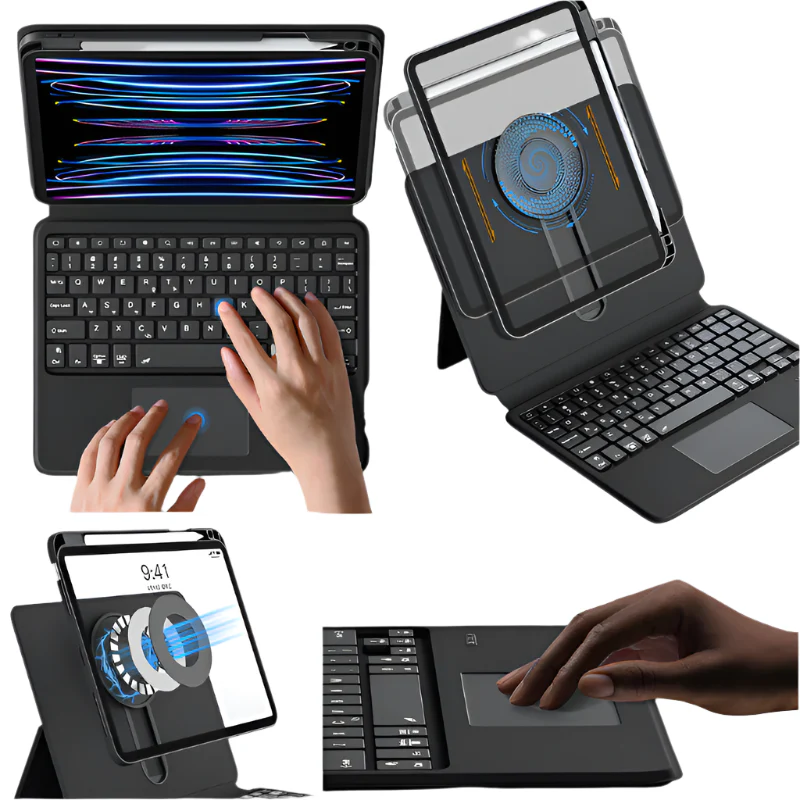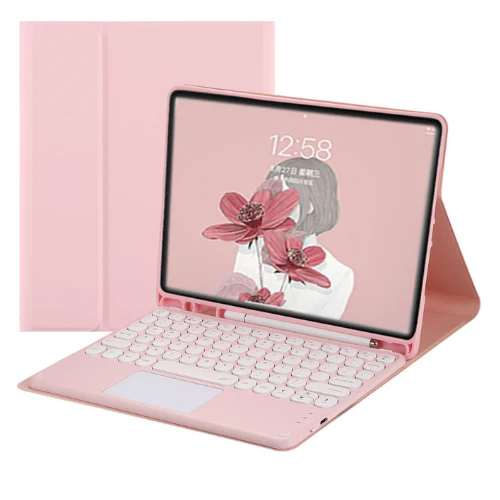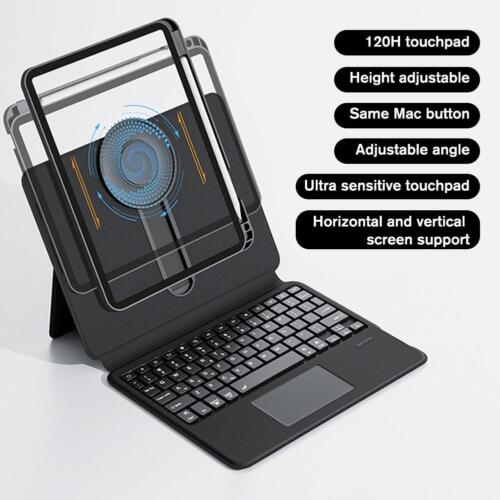


Keyboard Layout: US
Compatible with:
- Apple iPad 10 / 10th Gen (2022) [WIFI Only] A2696
- Apple iPad 10 / 10th Gen (2022) [WIFI+Cellular] A2757/A2777/A3162
- Apple iPad 11 / 11th Gen (2025) A16 [WIFI Only] A3354
-
Apple iPad 11 / 11th Gen (2025) A16 [WIFI+Cellular] A3355
First Time Use Pairing Step
1: Switch Side Power Button to "ON" position.
2: Press Button FN & "C" (connect button) at the same time for 1 second
3: Right Hand Signal Blue Light flashing
4: Go to Setting - Bluetooth - Turn On Bluetooth -
5: Find "Bluetooth Keyboard" option - Press and wait for few seconds to be connected