🎉 Up to 70% Off Selected ItemsShop Sale





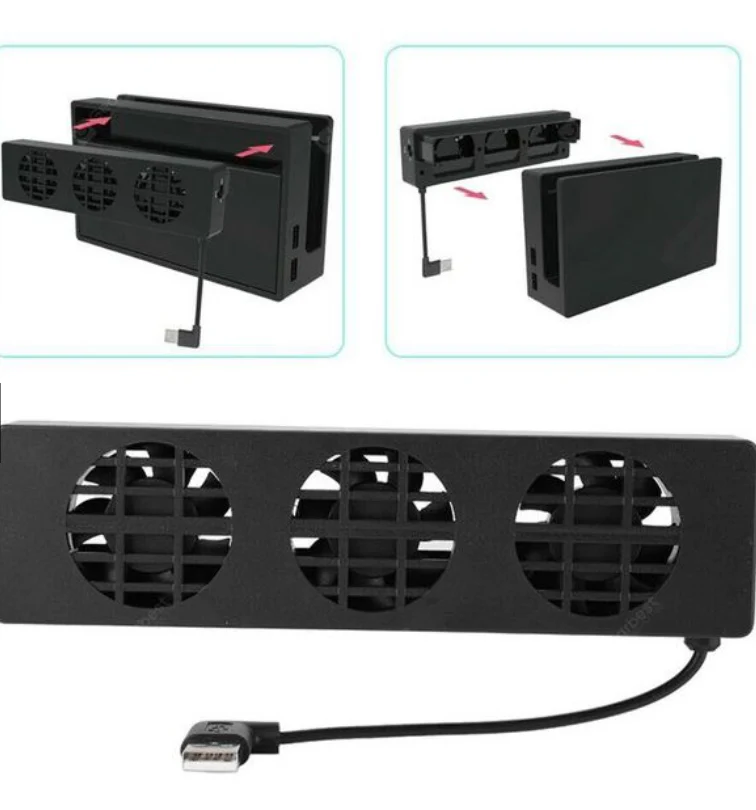
Nintendo Switch OLED Dock Cooling Fan Stand
Descriptions:
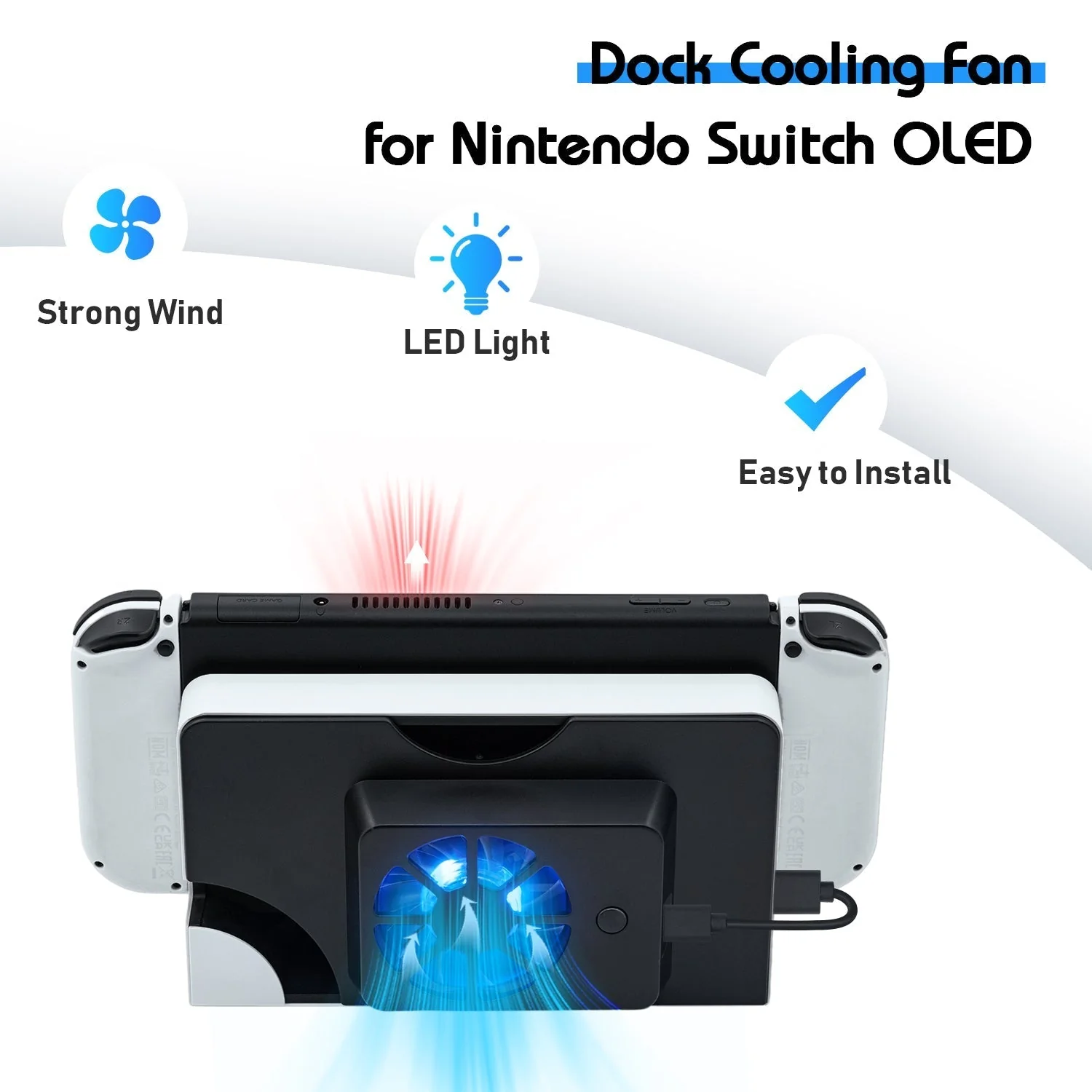
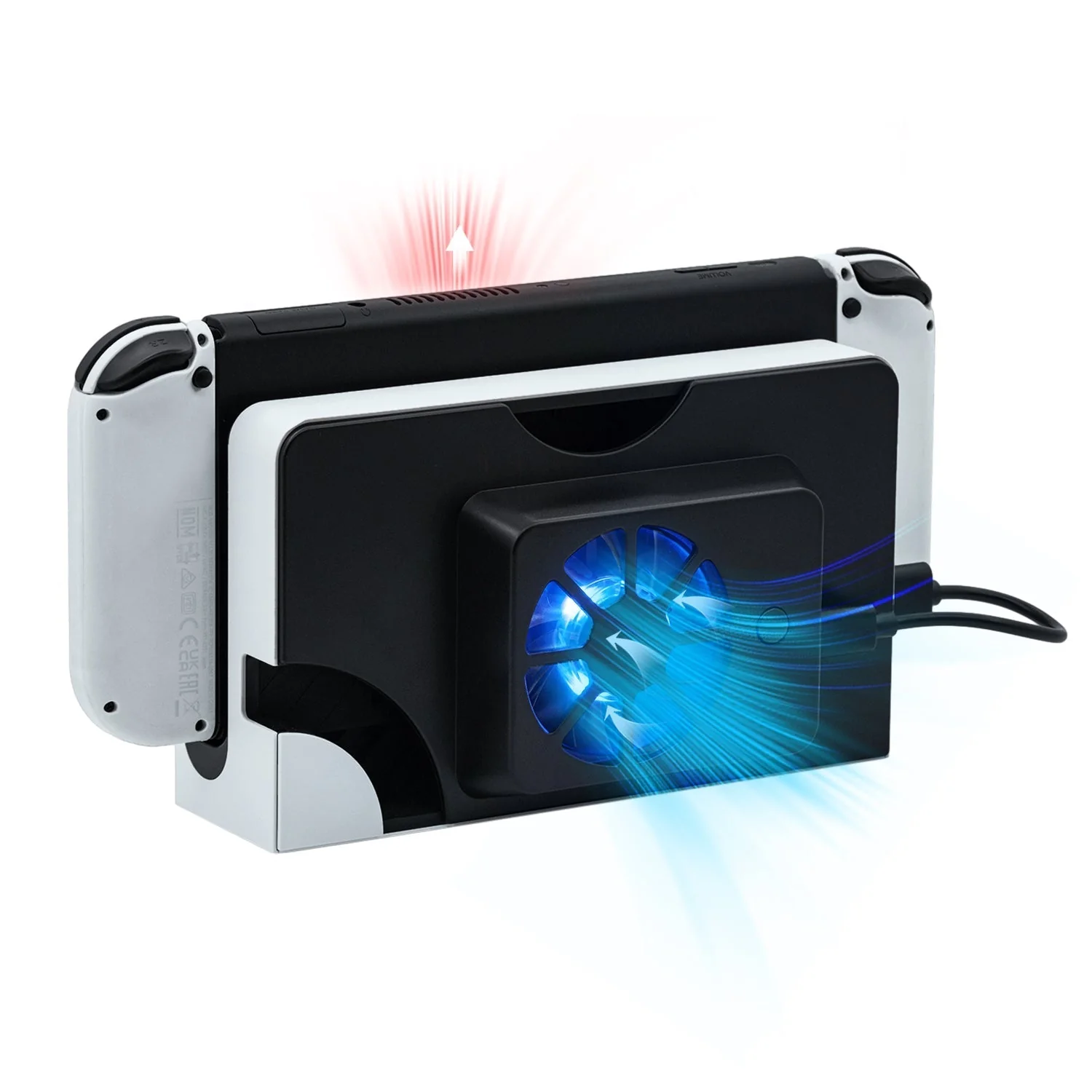
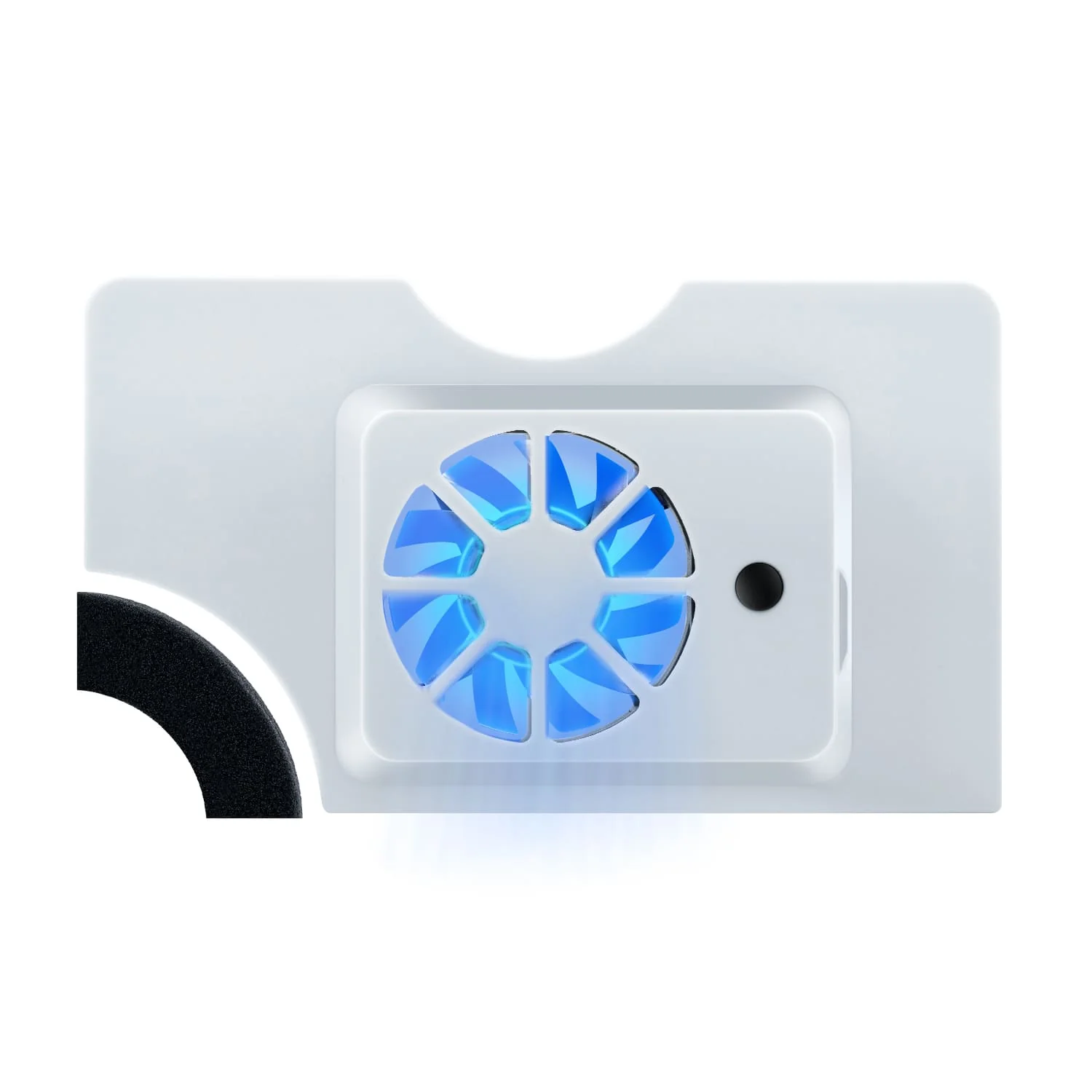
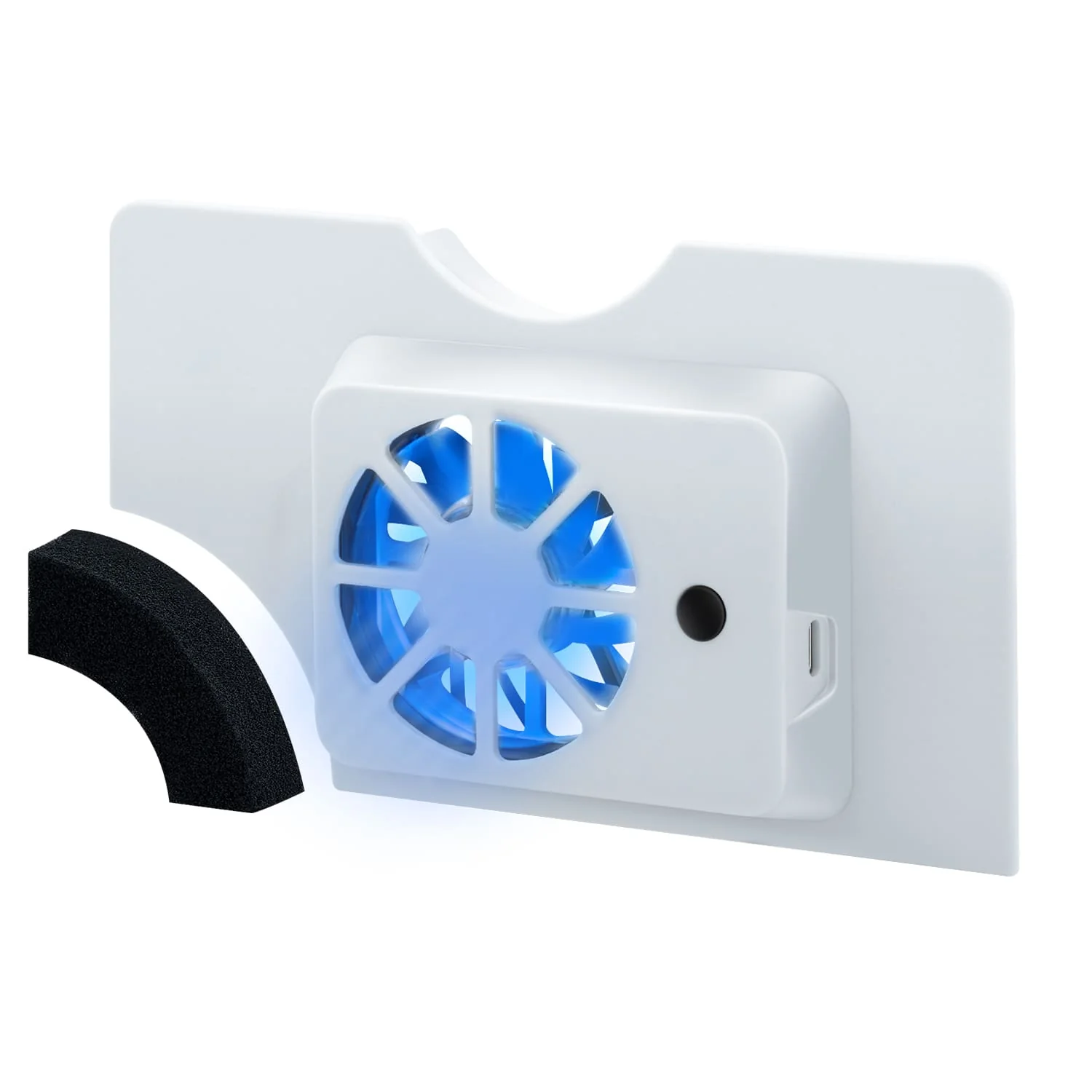
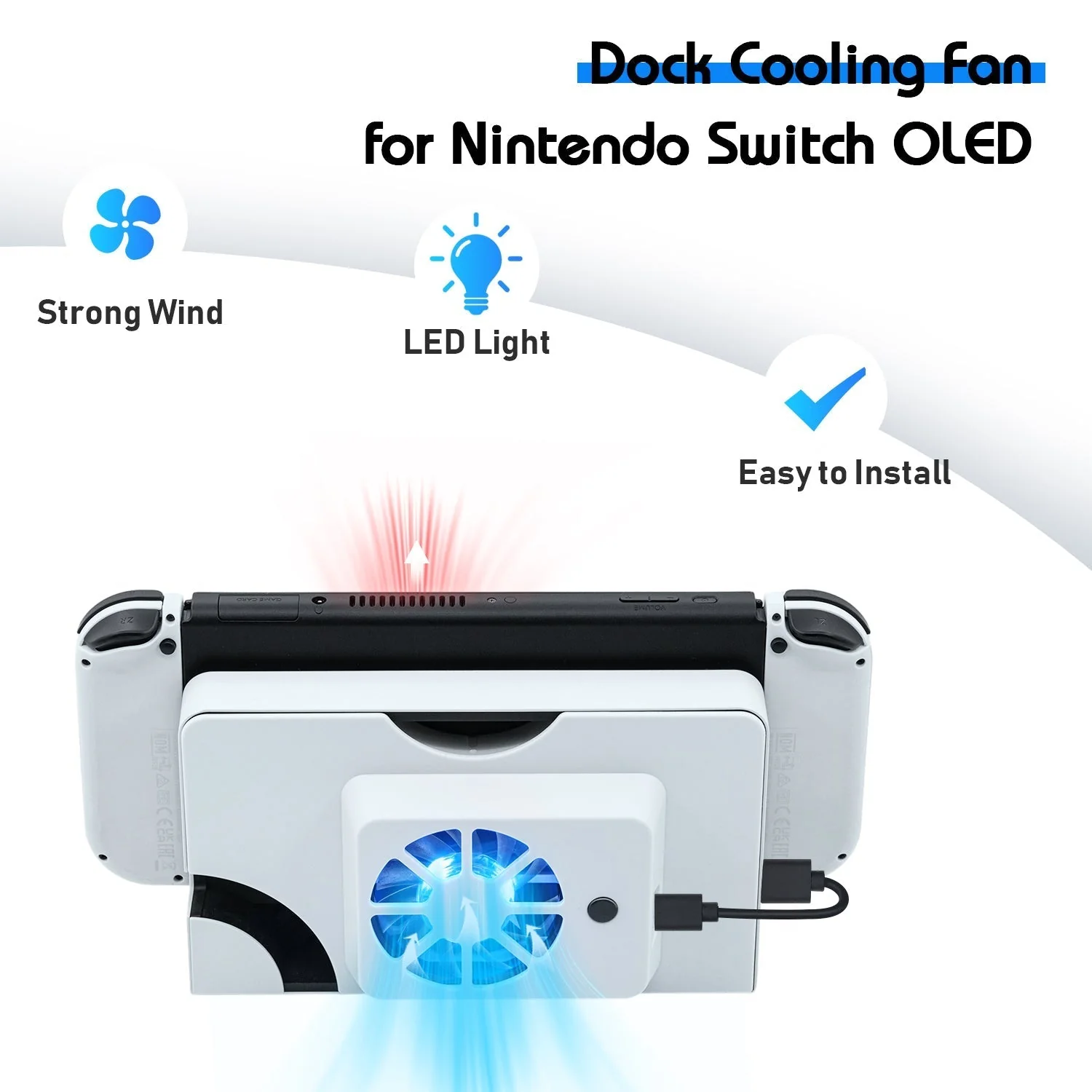
-High speed cooling fan specially designed for Nintendo Switch OLED (2021) dock.
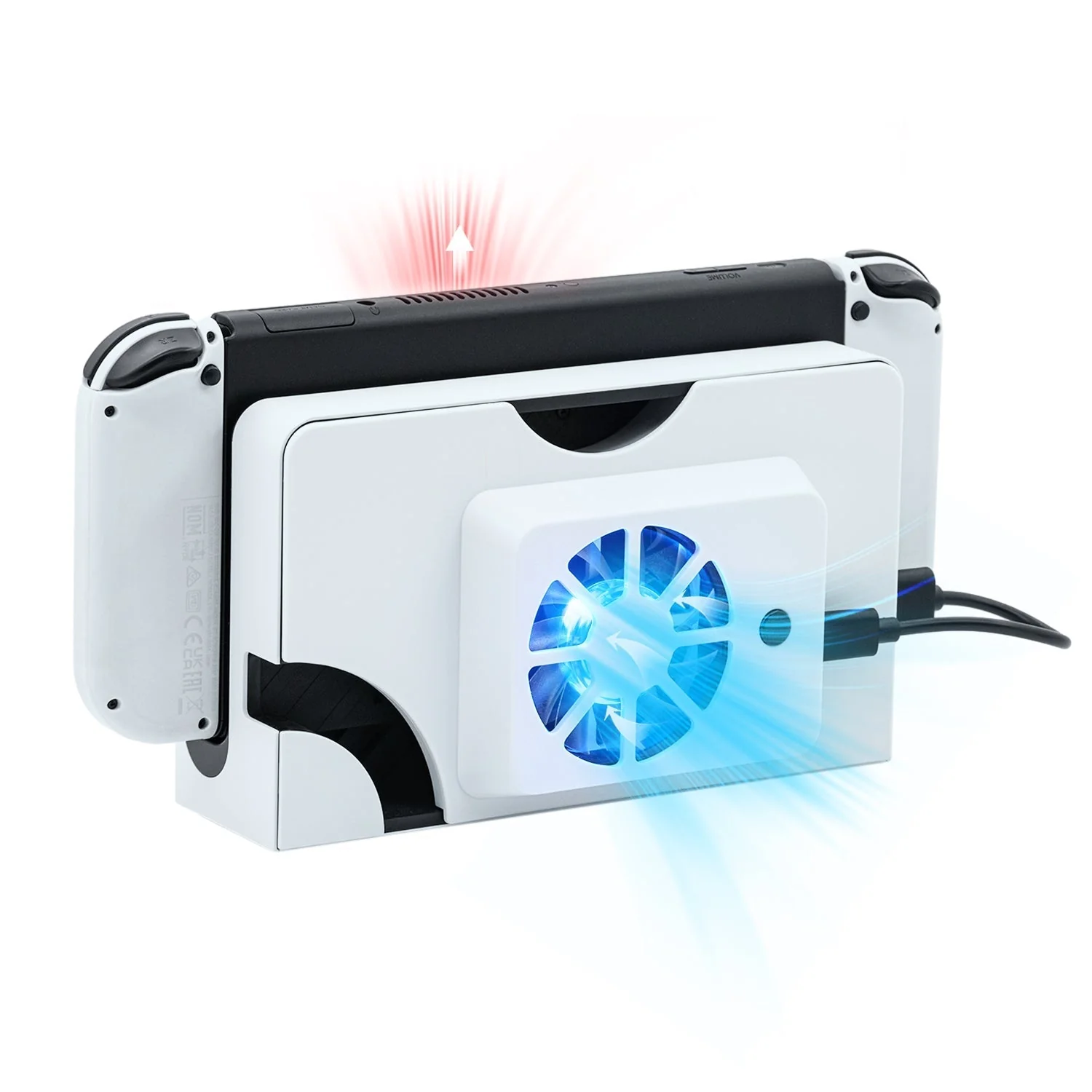
-Speed up the air circulation inside the base of the console for better heat dissipation and further prolong the life span of the gaming console.
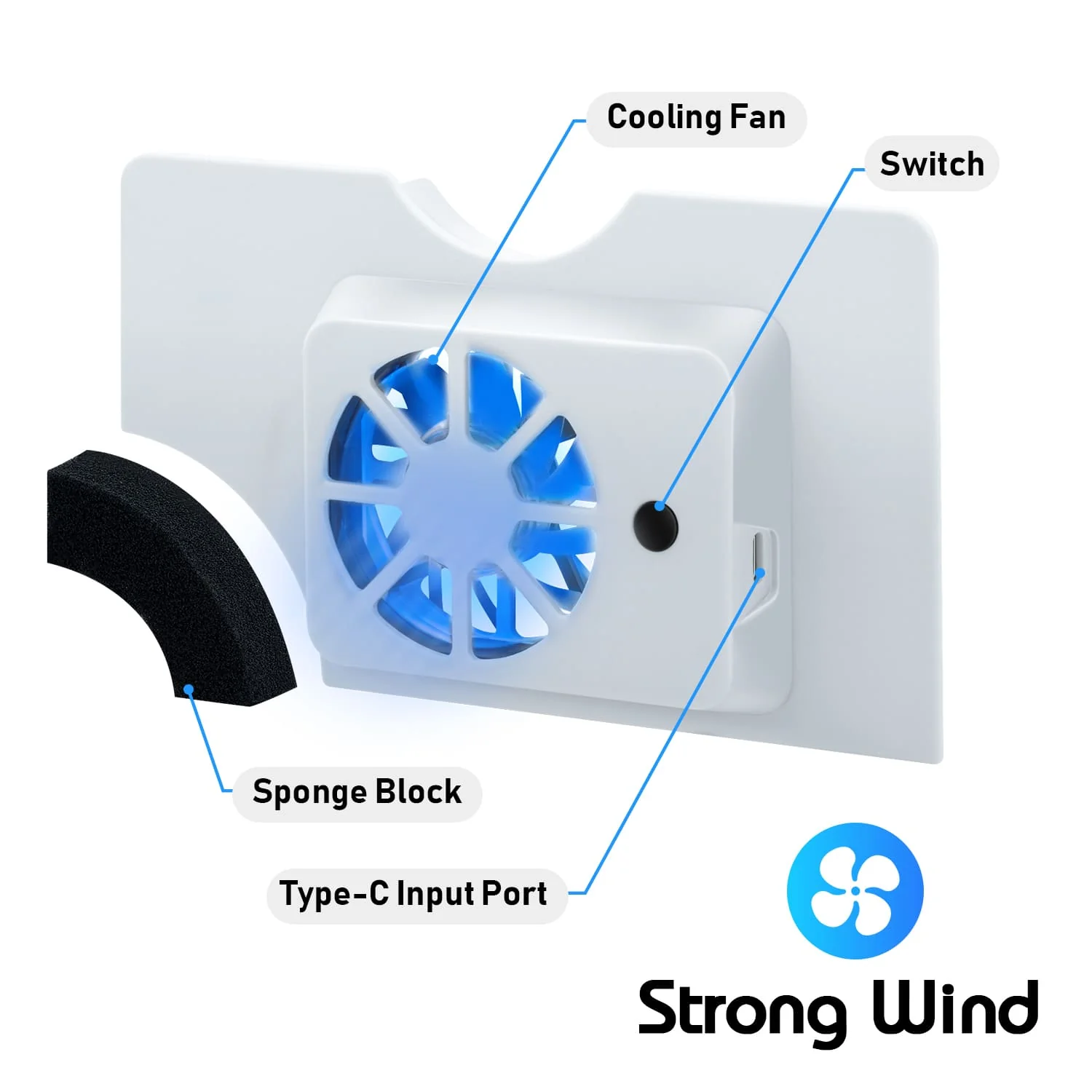
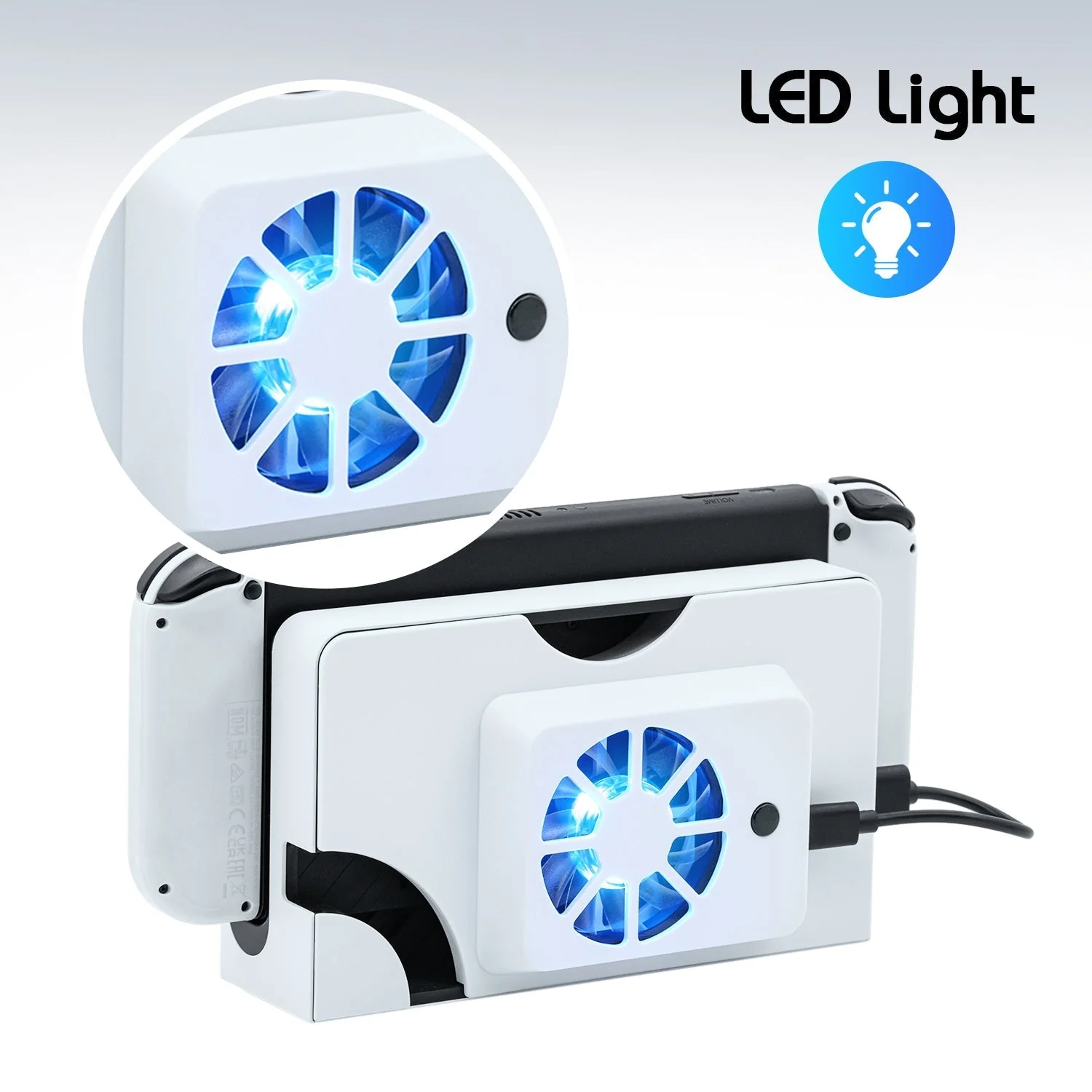
-Switch button available to turn on/off. With eye-catching blue light when the fan is working.
-Powered via USB on the console dock. No additional adapter required.
-Small and compact size. Easy to use.
How to Use:
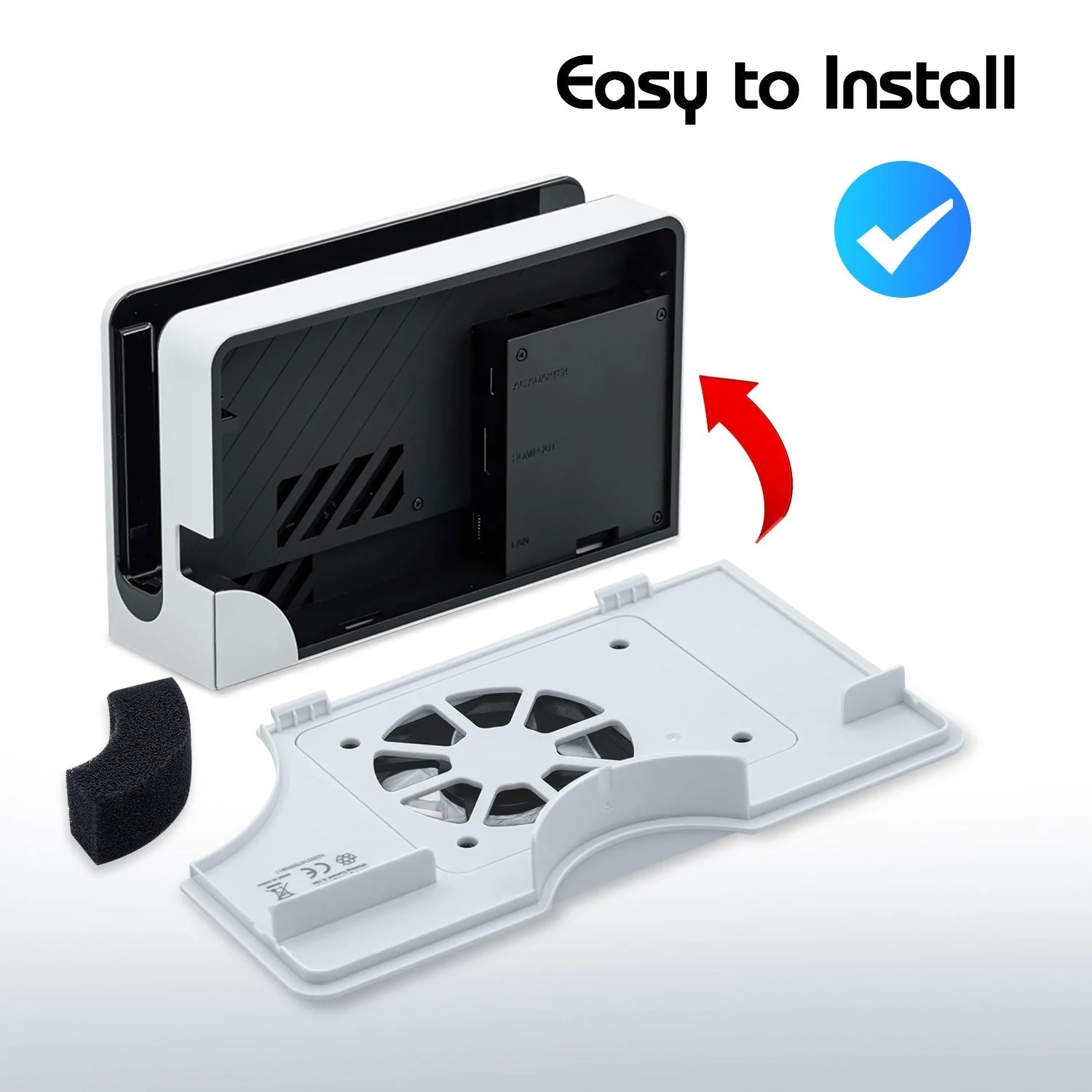
1. Remove the original dock cover and install the cooling fan cover on the back of the Switch OLED dock.
2. After being powered on, the cooling fan of the product is in a static state. It is necessary to press the switch once to power on. When the fan is turned on, the LED lamp shows blue light effect; press the switch again to turn off the fan and the LED.
Specifications
-Working voltage: DC 5V
-Working current: 0.13A
-Fan speed: 3000+/-10% r/min
-Product material: ABS
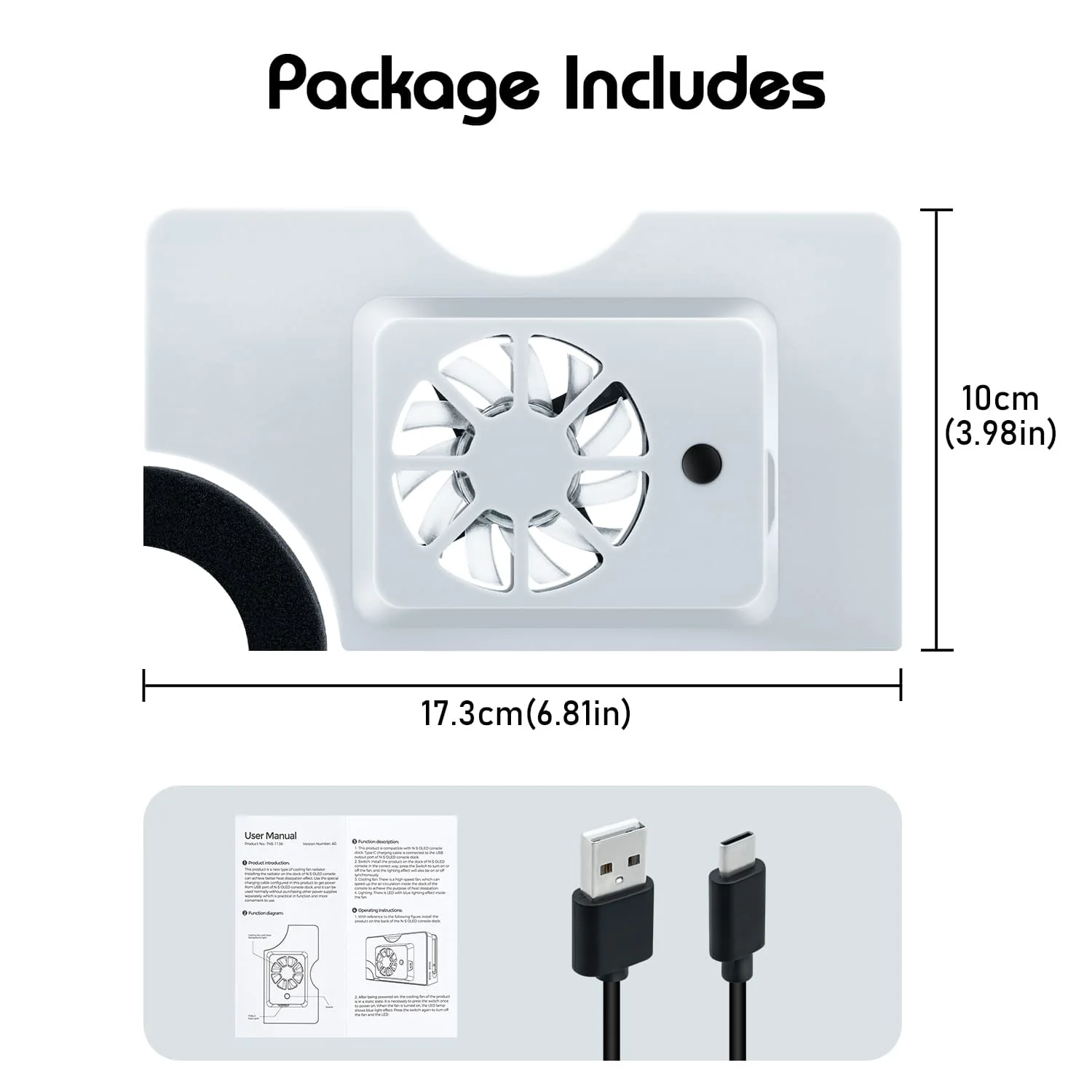
-Product size: 173*100*36mm
NOTE: NOT compatible with Nintendo Switch (2017) Dock.
Package Includes:
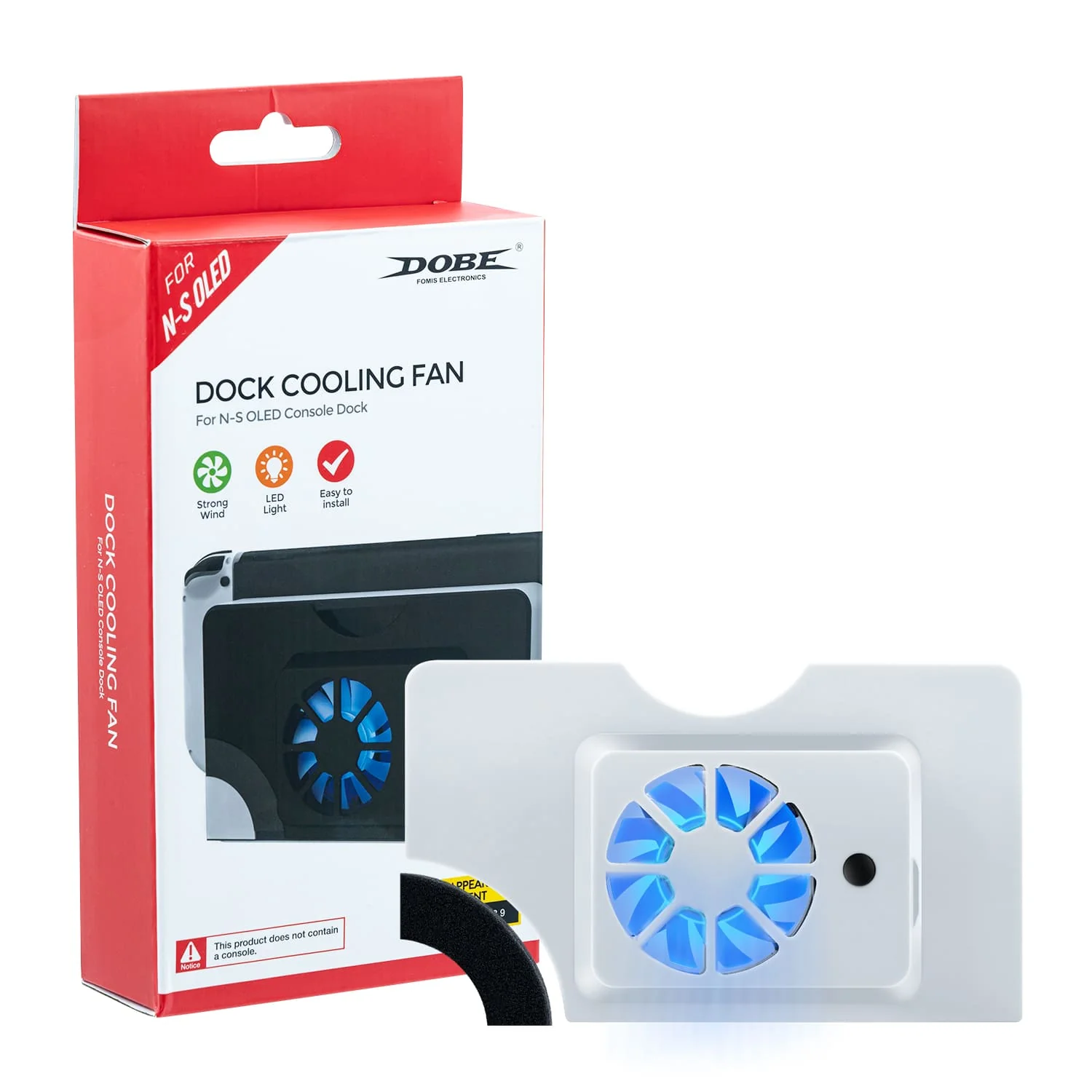
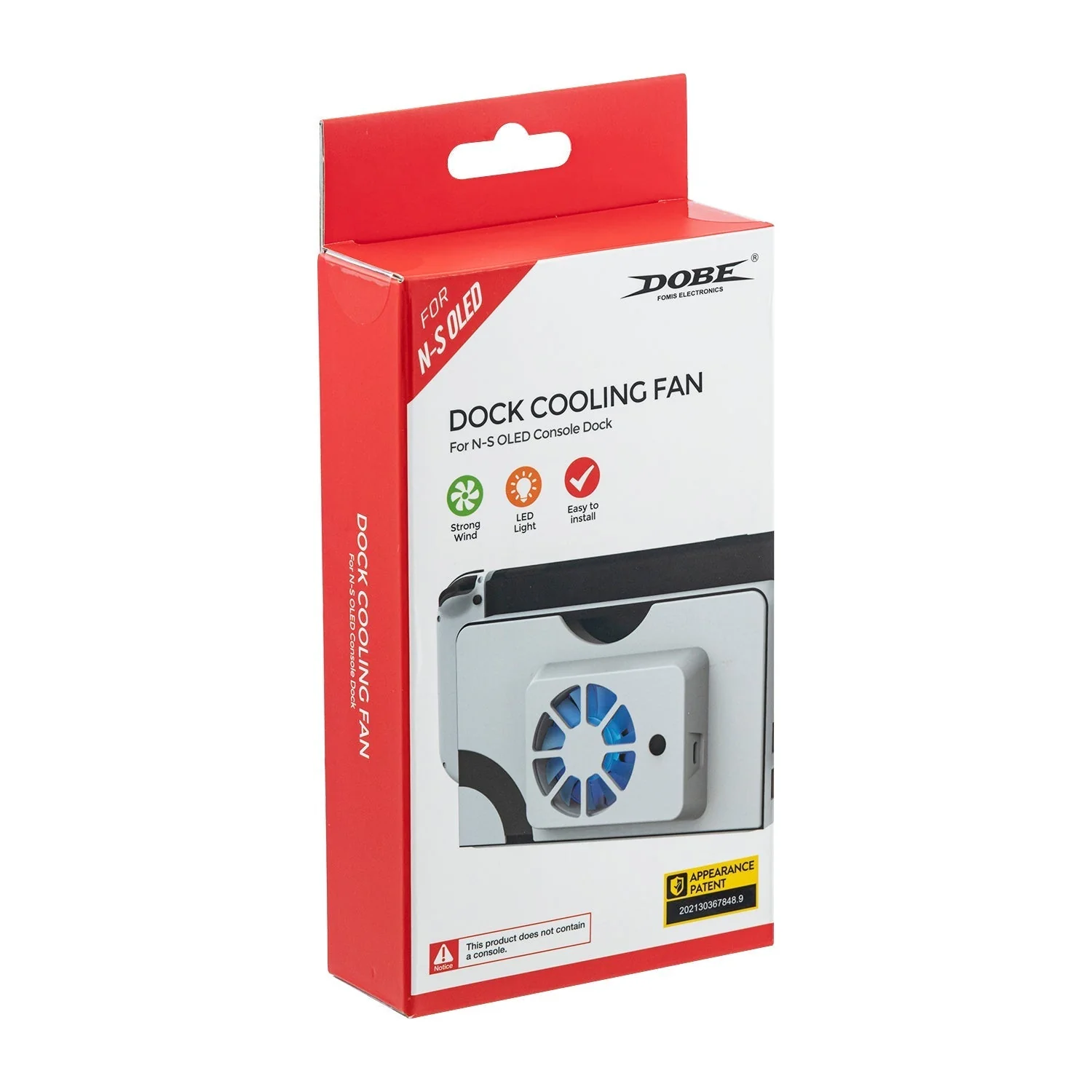
1 x Cooling Fan
1 x Type-C USB Power Cable
Product Including Packaging Weight: 133g
Product Including Packaging Size: 21*10*4cm
-High speed cooling fan specially designed for Nintendo Switch OLED (2021) dock.
-Speed up the air circulation inside the base of the console for better heat dissipation and further prolong the life span of the gaming console.
-Switch button available to turn on/off. With eye-catching blue light when the fan is working.
-Powered via USB on the console dock. No additional adapter required.
-Small and compact size. Easy to use.
How to Use:
1. Remove the original dock cover and install the cooling fan cover on the back of the Switch OLED dock.
2. After being powered on, the cooling fan of the product is in a static state. It is necessary to press the switch once to power on. When the fan is turned on, the LED lamp shows blue light effect; press the switch again to turn off the fan and the LED.
Specifications
-Working voltage: DC 5V
-Working current: 0.13A
-Fan speed: 3000+/-10% r/min
-Product material: ABS
-Product size: 173*100*36mm
NOTE: NOT compatible with Nintendo Switch (2017) Dock.
Package Includes:
1 x Cooling Fan
1 x Type-C USB Power Cable
Product Including Packaging Weight: 133g
Product Including Packaging Size: 21*10*4cm
Select Color
From $23.00
Nintendo Switch OLED Dock Cooling Fan Stand—
$23.00
Product Information
Product Information
Shipping & Returns
Shipping & Returns
Description
Descriptions:
-High speed cooling fan specially designed for Nintendo Switch OLED (2021) dock.
-Speed up the air circulation inside the base of the console for better heat dissipation and further prolong the life span of the gaming console.
-Switch button available to turn on/off. With eye-catching blue light when the fan is working.
-Powered via USB on the console dock. No additional adapter required.
-Small and compact size. Easy to use.
How to Use:
1. Remove the original dock cover and install the cooling fan cover on the back of the Switch OLED dock.
2. After being powered on, the cooling fan of the product is in a static state. It is necessary to press the switch once to power on. When the fan is turned on, the LED lamp shows blue light effect; press the switch again to turn off the fan and the LED.
Specifications
-Working voltage: DC 5V
-Working current: 0.13A
-Fan speed: 3000+/-10% r/min
-Product material: ABS
-Product size: 173*100*36mm
NOTE: NOT compatible with Nintendo Switch (2017) Dock.
Package Includes:
1 x Cooling Fan
1 x Type-C USB Power Cable
Product Including Packaging Weight: 133g
Product Including Packaging Size: 21*10*4cm
-High speed cooling fan specially designed for Nintendo Switch OLED (2021) dock.
-Speed up the air circulation inside the base of the console for better heat dissipation and further prolong the life span of the gaming console.
-Switch button available to turn on/off. With eye-catching blue light when the fan is working.
-Powered via USB on the console dock. No additional adapter required.
-Small and compact size. Easy to use.
How to Use:
1. Remove the original dock cover and install the cooling fan cover on the back of the Switch OLED dock.
2. After being powered on, the cooling fan of the product is in a static state. It is necessary to press the switch once to power on. When the fan is turned on, the LED lamp shows blue light effect; press the switch again to turn off the fan and the LED.
Specifications
-Working voltage: DC 5V
-Working current: 0.13A
-Fan speed: 3000+/-10% r/min
-Product material: ABS
-Product size: 173*100*36mm
NOTE: NOT compatible with Nintendo Switch (2017) Dock.
Package Includes:
1 x Cooling Fan
1 x Type-C USB Power Cable
Product Including Packaging Weight: 133g
Product Including Packaging Size: 21*10*4cm